1. Export a CSV file from Live Timecode Notes app
Open the project in the app, then select "Export Notes" from the top menu. Select "CSV". Generate and save the file.

2. Import the CSV file into Numbers
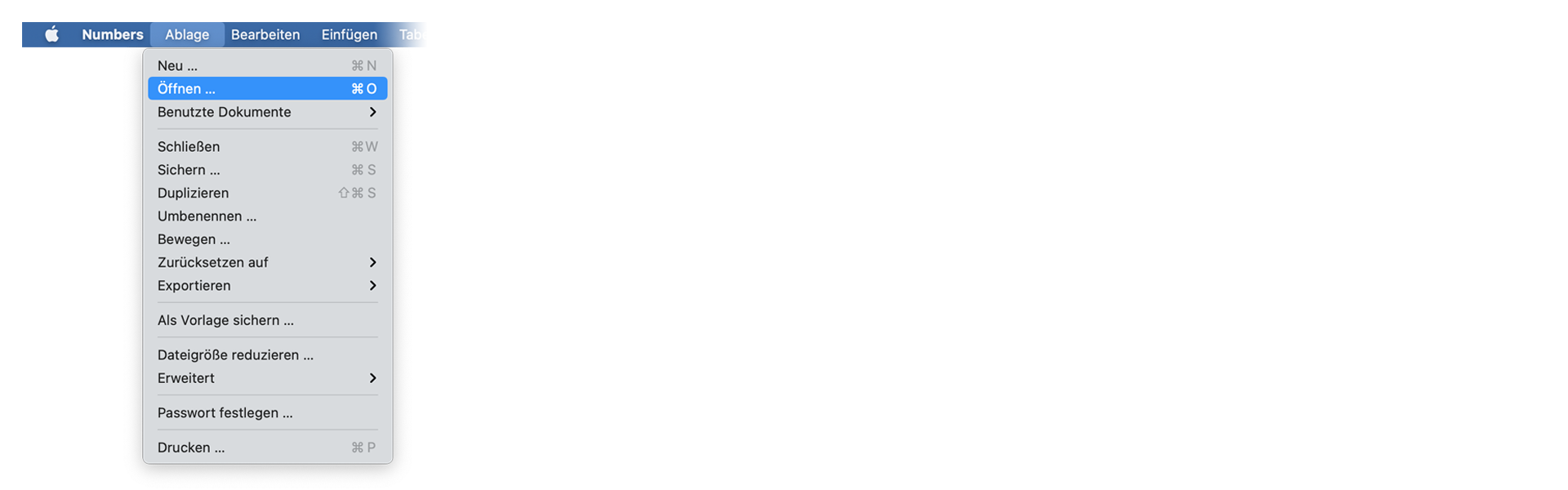
Open Numbers and go to "File -> Open". Simply open the CSV file.
🚀 Kész
Egyelőre ennyi! Ha hasznosnak találta ezt az útmutatót, kérjük, ossza meg, hogy támogasson minket. Ha van javaslata, hogyan javíthatnánk a munkafolyamaton, kérjük, jelezze nekünk!